No interpreter to pick, no venv to create, no pip to remember: the studio downloads Python, gives each project its own .venv, installs the packages and runs your program in the IDE — debugging included, as in a full Java IDE. And Claude Code, Codex, Gemini, GitHub Copilot or a private local model writes, tests and fixes the code for you.
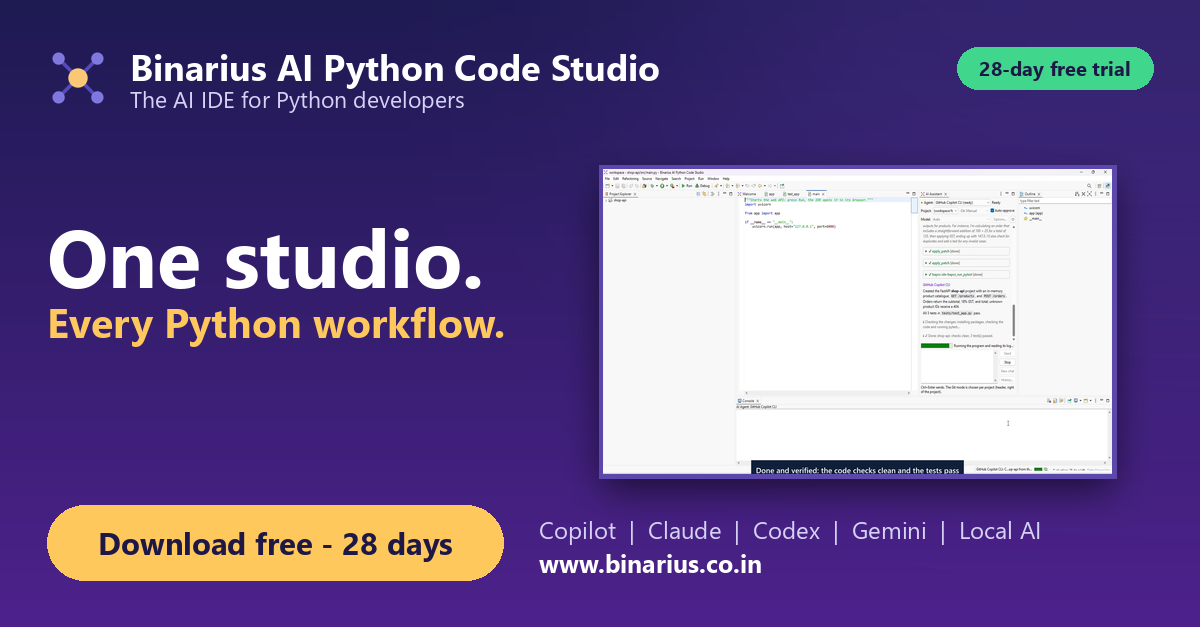
Tested with a private local model: "Create a REST API for managing books with FastAPI, with tests" gave a FastAPI project, its packages installed and 7 passing tests — without a single command typed.
"Create a REST API for managing books with FastAPI: list, get, add and delete, with tests."
A real project: code in src/, pytest tests, and the packages added with the IDE's package manager.
After every change: packages installed, code checked, pytest run, the program started — failures go back to the agent.
Press Run: the app opens in the IDE's browser. Then build a wheel or a single-file app, or turn it into an MCP server.
From download to running apps in 11 minutes: GitHub Copilot builds a FastAPI app, packages, Run, debugging, Azure Functions, Django and an MCP server.
A complete Python IDE (editor, code analysis, debugger, Git) with everything set up for you, plus an AI tab.
Python is downloaded per user, each project gets its own .venv, and missing packages are installed before Run. No admin rights, no PATH changes.
Console with clickable errors, breakpoints, Variables, run configurations — one click, as in a full Java IDE.
Browse PyPI, install, update, consolidate versions across projects. Save requirements.txt and it installs at once; errors are marked on the line; undo any change.
Templates with tests; press Run and the app opens in the built-in browser preview.
Jupyter notebooks in our own editor, running on the project's .venv; DataFrames as tables, missing packages installed for you.
Stopped at a breakpoint? See lists, dicts and pandas DataFrames as tables.
Installed packages checked against known vulnerabilities, with one-click updates to the fixed versions.
Build a wheel for pip or PyPI, or one file that runs without Python.
Claude Code, Codex, Gemini CLI, GitHub Copilot CLI — or a local model (Ollama, installed for you): your code never leaves the machine.
Done means the code checks clean and pytest passes. Packages the code imports are added to requirements.txt and installed.
Serverless templates that run and debug locally, no cloud needed: right-click a test event > Run Function with This Event, then build the Lambda zip.
Your functions become MCP tools for Claude, VS Code, Cursor and chatbots: locally, over HTTP with a token, or inside your FastAPI app at /mcp.
Git modes (manual, branch, pull request), admin policy, audit log and chat history per project.
Version 1.0.0 · Python downloaded on first start · 28-day free evaluation, then a license key. By downloading you accept the license terms. Installs next to the other Binarius studios; each is a separate product.
Requirements: 8 GB RAM (16 GB recommended for local AI), 1.5 GB disk plus about 100 MB per Python version and the packages of your projects. Internet for the first start (Python download) and for installing packages.
Need help? Email support@binarius.co.in.
 Binarius Systems